
Simple Tips for Organizing Files on Your Computer Efficiently
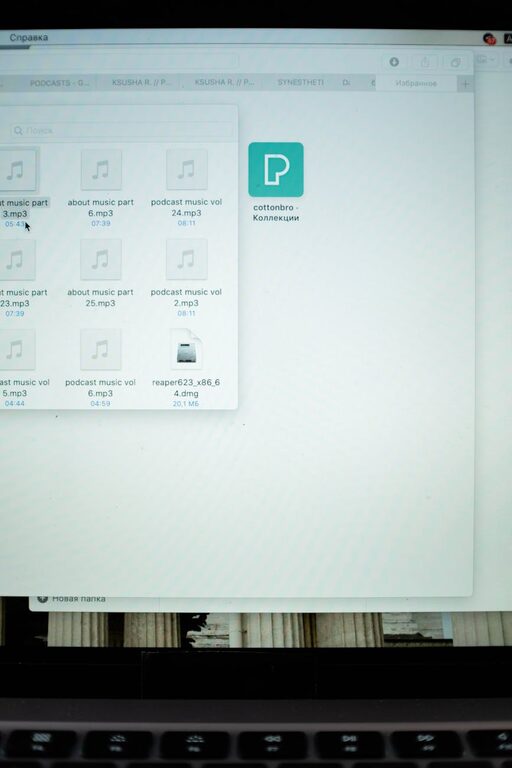
Organizing files on your computer is essential to maintain productivity and reduce frustration when searching for documents, photos, or programs. A well-structured file system not only saves you time but also helps protect important data from getting lost or accidentally deleted. Whether you are managing files for work, study, or personal use, these practical tips will guide you in creating an efficient digital filing system.
Why Organize Your Computer Files?
Having a cluttered desktop or scattered folders can slow down your workflow and cause unnecessary stress. Organized files:
– Help you locate information quickly
– Improve your computer’s performance
– Prevent data duplication and confusion
– Reduce storage space by eliminating unnecessary files
– Make regular backups simpler and more reliable
Let’s explore how you can start organizing your files effectively.
Step 1: Clean Up First
Before creating new folders and systems, take time to clean your current files.
– Delete duplicates and unnecessary files: Use tools or manually review folders to remove redundant documents.
– Empty the Trash or Recycle Bin: To reclaim storage space, make sure deleted files are permanently removed.
– Clear your desktop: Moving or deleting files from your desktop keeps your workspace tidy and improves startup speed.
Step 2: Plan Your Folder Structure
A clear folder hierarchy is the backbone of good organization.
– Create broad main folders: Examples include Documents, Pictures, Videos, Music, and Projects.
– Use subfolders for categories: Within Documents, you might have Work, Personal, and Finance.
– Be consistent: Apply the same naming and structuring system across all folders.
Tips for Naming Folders
– Use short but descriptive names
– Avoid special characters and spaces—use underscores or dashes instead
– Start names with dates (YYYY-MM-DD) for files related to specific events or projects
– Consider version numbers for documents that get frequent updates
Step 3: Utilize File Naming Conventions
File names should provide enough information to identify a file without opening it.
Some useful practices include:
– Include the date in the filename when relevant
– Use keywords that describe the content
– Keep names uniform (e.g., “MeetingNotes_2023-06-15.docx”)
– Avoid vague names like “Document1” or “New File”
Step 4: Leverage Built-in Tools and Features
Both Windows and macOS offer features to help organize and find files efficiently.
– Tags and labels: Assign colors or keywords to files to identify categories or priorities.
– Search functions: Use file explorer search filters to locate files by type, date, or keyword.
– Favorites or shortcuts: Frequently used folders can be added to a quick access list.
– Cloud storage: Services like Google Drive, Dropbox, or OneDrive sync files and provide backup.
Step 5: Organize Emails and Downloads
Your email inbox and downloads folder can quickly become chaotic.
– Set rules or filters: Automatically sort incoming emails into folders based on sender or subject.
– Regularly clean downloads: Move important files into your organized folders and delete the rest.
– Archive old emails: Keep your inbox manageable by archiving or deleting outdated messages.
Step 6: Schedule Regular Maintenance
Organizing files is not a one-time task; it requires ongoing attention.
– Set a monthly or quarterly reminder to review and clean up your files.
– Backup important files before making major changes.
– Update folders and naming conventions as your needs change.
Bonus Tips: Use Third-Party Apps
If you want extra help, there are apps designed for file organization:
– Duplicate file finders to track down repeated files
– File management tools with advanced sorting and tagging
– Backup software to automate your data safety
Conclusion
A thoughtful approach to organizing your files can make a big difference in your digital life. By cleaning up, planning a folder structure, and maintaining your system regularly, you reduce clutter and increase your efficiency. Start small, stay consistent, and soon, accessing your important files will be faster and easier than ever.
Happy organizing!